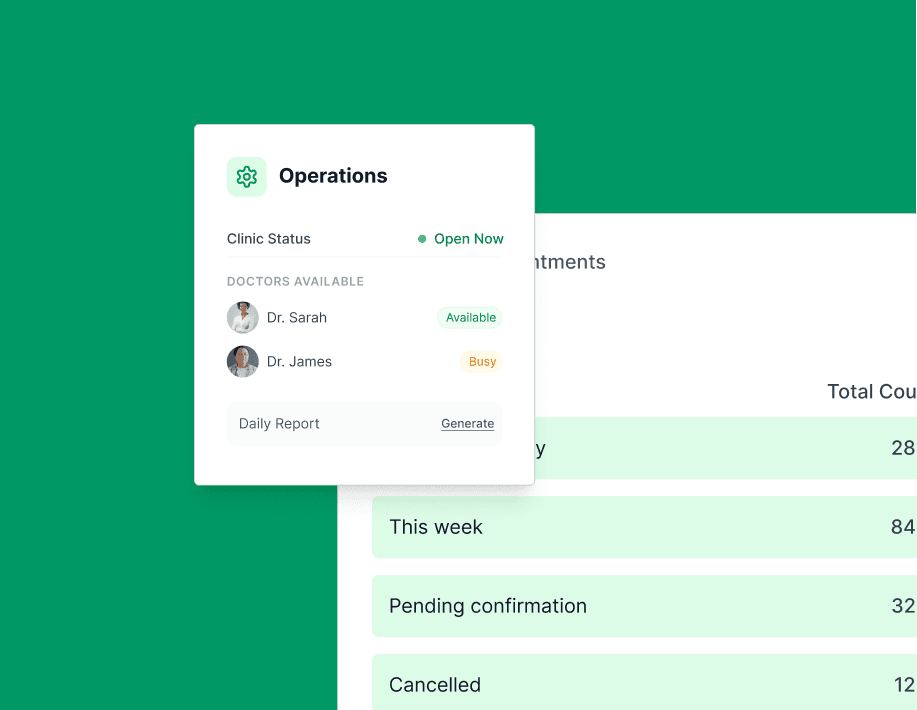
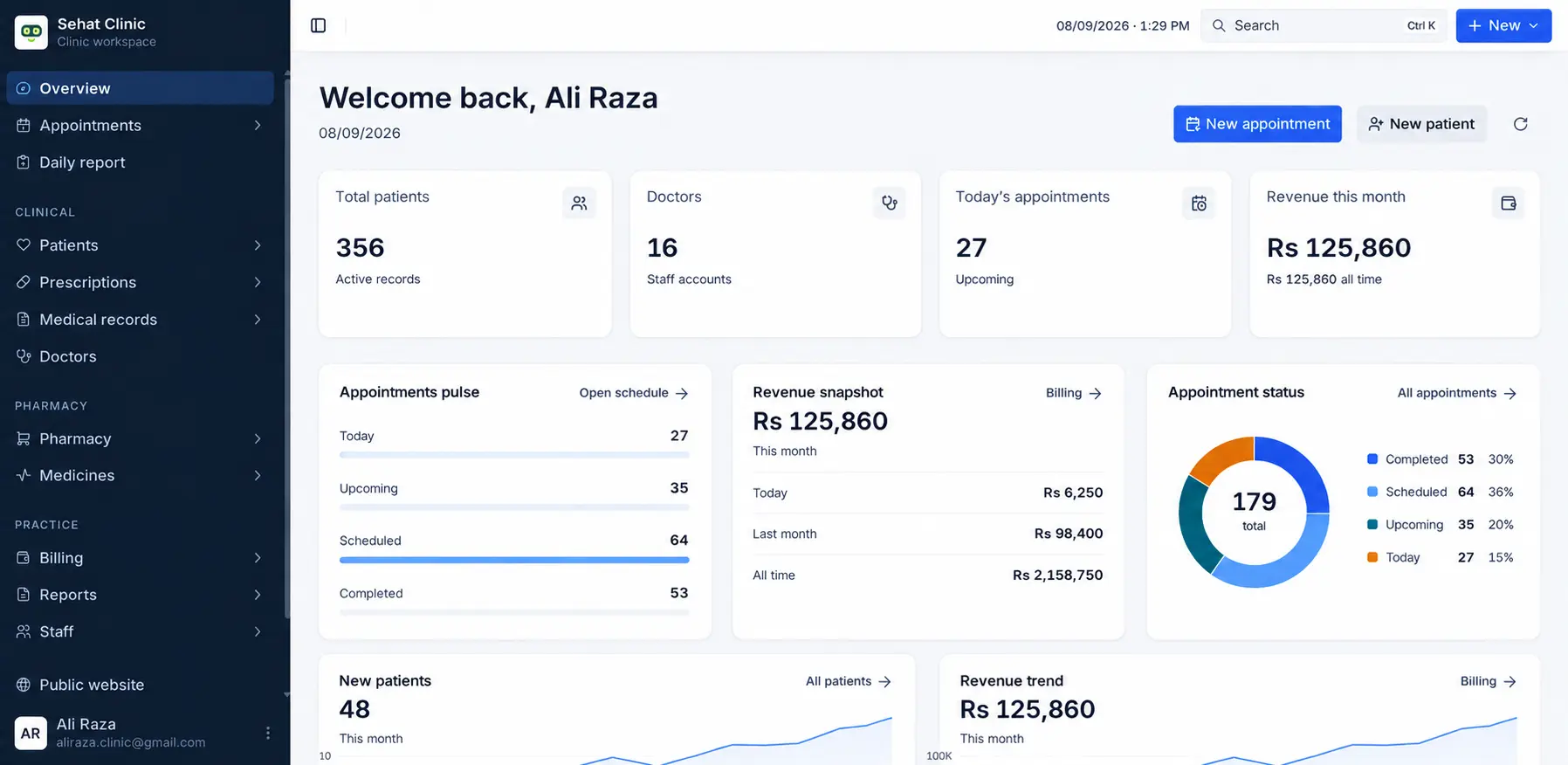
All five write to the same record—which is why the medicine your pharmacist just handed over is already on the invoice by the time the patient reaches the desk.
Patient checks in. Arrival time and updated insurance reference land on the appointment record.
02
Consulting room
Doctor opens the same record, reads the history, writes a note and a prescription. It is flagged for dispensing.
03
Pharmacy
Pharmacist dispenses against the waiting script. Batch, quantity and remaining stock write straight back.
04
Accounts
The consultation fee and the medicine are already on the invoice. Accounts only collects payment and closes it.
module by module
Five modules that write to one record
Most clinic software is a folder of separate tools wearing one logo. The pharmacy sale does not reach the invoice, the cancelled appointment does not reach the report, and someone starts keeping a notebook again. Every module below writes to the same record.
01
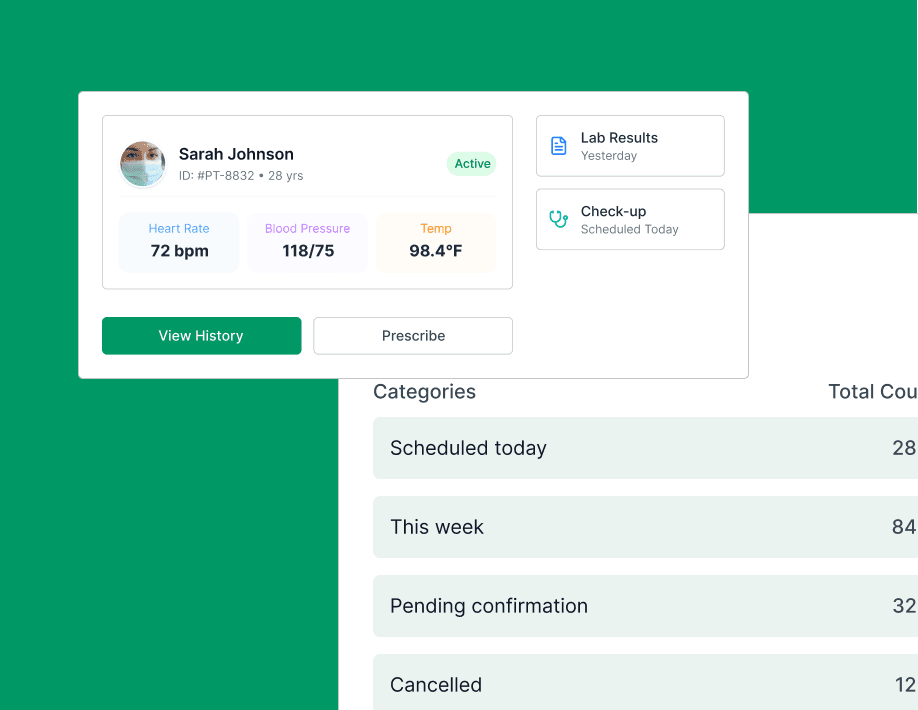
One file per patient, not five
History, prescriptions, lab results, clinical notes and scanned documents attach to a single record. Nothing lives in a second register, and nothing depends on which staff member happened to write it down.
Search by name, phone number or file number, including partial matches
Consultation notes, diagnoses and prescriptions written into the same timeline
Lab results and scanned documents attached to the visit they belong to
Every read and edit is logged with the staff member and timestamp
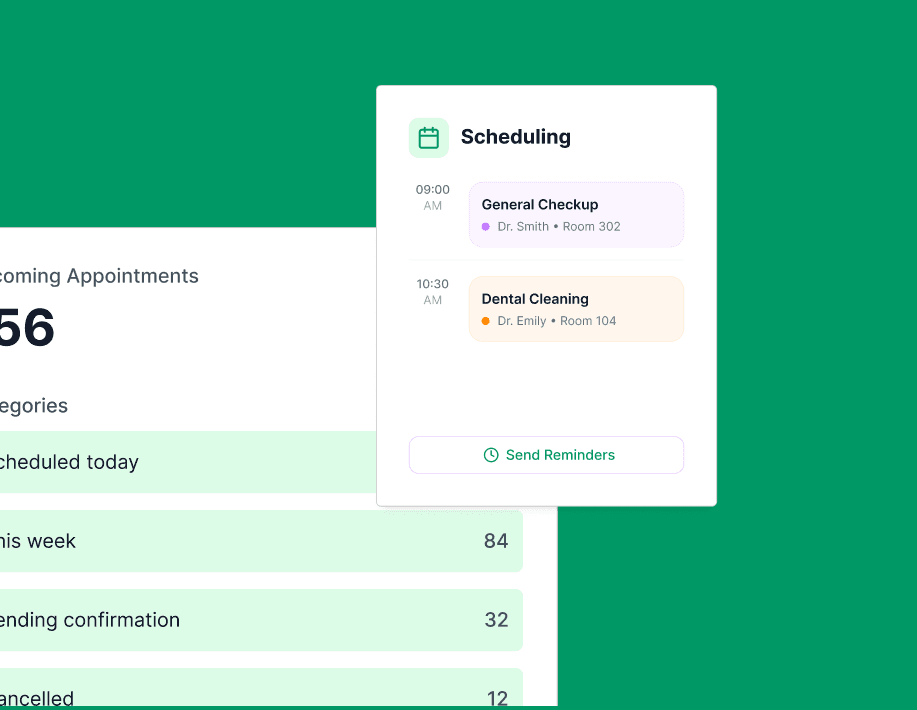
Provider availability, room allocation and reminders in one calendar. A cancellation frees the slot the moment it is entered, instead of at the end of the day when nobody can fill it.
A column per provider, with room and equipment held against the booking
SMS and email reminders sent the evening before, with the reply logged
Cancellations release the slot immediately and flag the waiting list
No-shows are recorded against the patient record rather than deleted
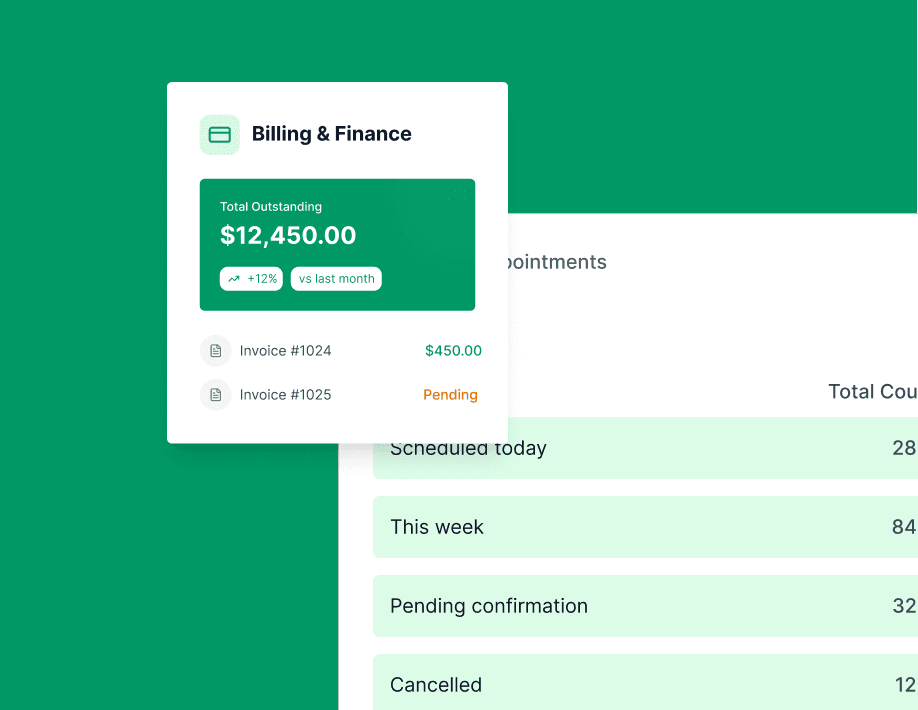
Charges post from appointments and pharmacy sales as they happen, so the takings are already assembled at closing. Nobody rebuilds the day from a receipt book.
Consultation fees, procedures and dispensed medicine post to one invoice
Part payments, refunds and outstanding balances tracked per patient
Daily takings split by payment method, with a cash count to check against
Revenue broken out by service line and by provider, not just a monthly total
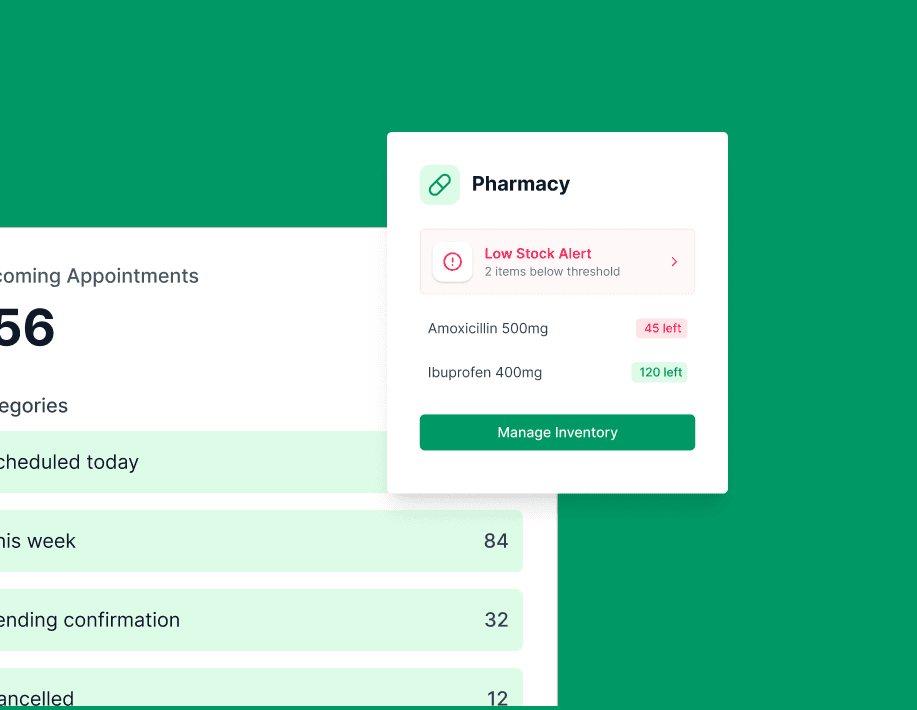
On-hand quantity, batch and expiry sit next to the prescription that needs them. A doctor writing a script sees what is actually available, so shortages are not discovered in front of the patient.
Quantity held per batch, each with its own expiry date and supplier
A prescription checks stock, dispenses from it and posts the charge in one step
Reorder point set per item, with restocks raised against the supplier record
Expiry warnings 90 days ahead, so slow-moving stock can still be returned
Departments, rooms, working hours and roles are configured at setup and then largely left alone. Access follows the role, so a new receptionist inherits the right scope on their first morning.
Roles per department: reception, pharmacy, clinician, accounts, administrator
Working hours, holidays and room inventory held per department
An audit trail covering record access, edits and permission changes
Full CSV export of records, invoices and stock history from settings
Records and scheduling both have a patient-visible edge. Neither is a separate product, and neither holds a second copy of anything.
Public profile
A page that books into your calendar
Services, doctors and opening hours on a search-indexed page. A request from it lands as a pending appointment for reception to confirm, not as an email to retype.
Visit history, prescriptions and upcoming appointments. You choose which record types are visible, and the portal never shows a note the clinician has not released.
Thirty days alongside whatever you use now. Book real appointments, dispense real stock, raise real invoices. If any of it fails during your busiest hours, export your data and leave.